Dash gives your Mac instant offline access to 200+ API documentation sets.
Overview
Dash is an API Documentation Browser and Code Snippet Manager. Dash instantly searches offline documentation sets for 200+ APIs, 100+ cheat sheets and more. You can even generate your own docsets or request docsets to be included.
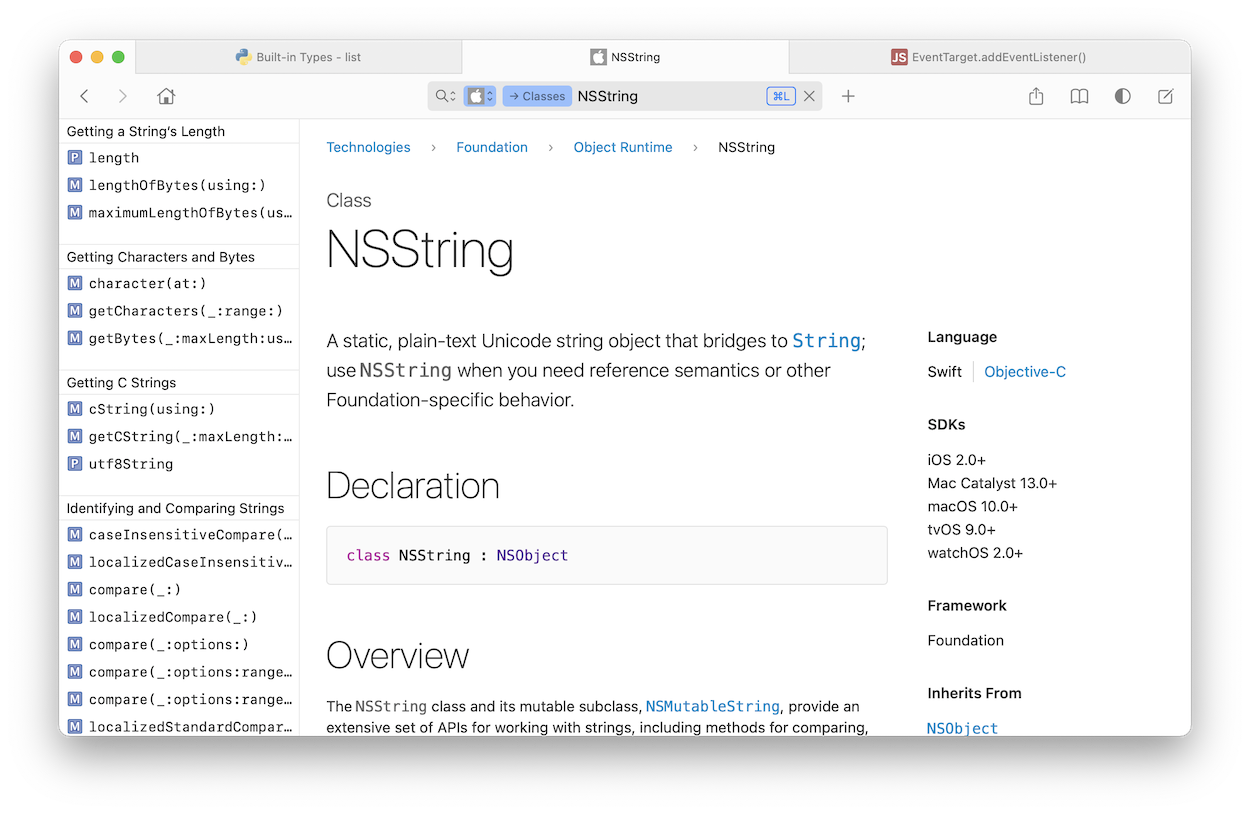
Supported Documentation Sets
Dash comes with 200+ offline documentation sets. You can choose which documentation sets to download and Dash will take care of the rest, making sure they are kept up to date. You can also generate your own docsets, request docsets or download docsets from third-party sources.
Listed below are all the various documentation sets Dash comes with. The most popular ones are highlighted. All documentation sets have been generated and are maintained with the utmost care.
Third-Party Documentation Sources
Dash integrates with package managers to generate documentation sets for anything you might need, as well as provide custom documentation sources of its own.
Swift Packages
swiftpackageindex.com
Ruby Gems
rubygems.org
Python Packages
Any Sphinx docs
PHP Packages
packagist.org
Java Packages
maven.org
Go Packages
pkg.go.dev
Rust Crates
docs.rs
Scala Packages
maven.org
Dart Packages
pub.dartlang.org
Haskell Packages
hackage.haskell.org
Hex Packages
hexdocs.pm
Clojure Libraries
cljdoc.org
GitHub
github.com
Stack Overflow
stackoverflow.com
Cheat Sheets
cheat.kapeli.com
User Contributed
contrib.kapeli.com
Amazing Integration Plugins
Xcode
Alfred
Quicksilver
LaunchBar
Raycast
PopClip
Espresso
Nova
Emacs
Vim
Neovim
BBEdit
TextWrangler
TextMate
Sublime Text
CotEditor
Chocolat
Atom
Brackets
Eclipse
Android Studio
Visual Studio Code
AppCode
IntelliJ IDEA
RubyMine
WebStorm
PhpStorm
PyCharm
CLion
DataGrip
GoLand
Rider
Terminal
AppleScript
Any App
Loaded With Features
-
Documentation Browser
- 200+ offline docsets
- Instant, fuzzy search
- Great integration with other apps
- Easily download docsets
- Easily generate docsets:
- Supports Swift DocC docsets
- Supports Doxygen docsets
- Supports Python / Sphinx docsets
- Supports Ruby / Yard docsets
- Supports Javadoc docsets
- Supports Scaladoc docsets
- Supports GoDoc docsets
- Supports Rust Cargo docsets
- Supports Elixir / HexDoc docsets
- Supports DartDoc docsets
- Supports Haskell / Haddock docsets
- Supports JSDoc docsets
- Supports Any HTML docsets
- Easily switch between docsets:
- Documentation bookmarks
- Convenient, filterable table of contents
- Highlighted in-page search
-
Snippet Manager
- Store snippets of code
- Easily reuse snippets
- Expand snippets in any app
- Organize snippets with tags
- Syntax highlighting
- Variable placeholders
- Special placeholders:
- @clipboard
- @cursor
- @date
- @time
- Full-text search
- Keyboard shortcuts
- Tab restoration
- Docset playgrounds
- Show/hide dock icon
- Show/hide menu icon
- Dark mode